Got a school meeting coming up?
A simple interactive prep sheet to get clear on what matters, what to ask, what to write down and how to leave with a useful next step.
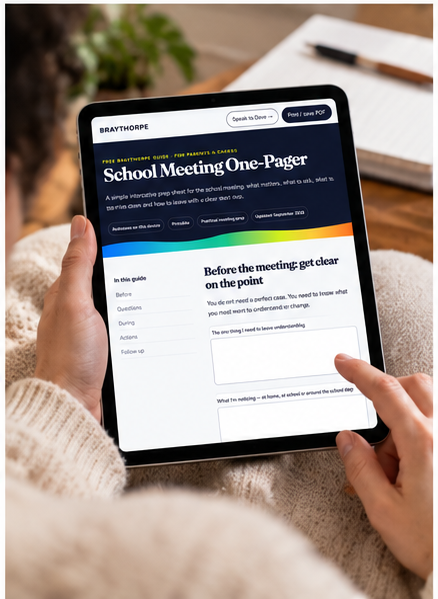
Useful now. Not another resource to file away.
Get clear on the point before you walk in
Capture questions and what you are noticing
Leave with actions and follow-up written down
This isn’t another PDF you’ll lose in Downloads.
Why is the guide an HTML file?
Because it works more like a small webpage than a document. You can open it in a browser, move around it easily, use any interactive fields built into the resource and print or save a PDF when you want one.
Do I need any special software?
No. Open the HTML file in a normal browser such as Chrome, Safari, Edge or Firefox. It does not install anything.
Can I keep a copy on my device?
Yes. Use the “Download the HTML” option on the access page. Save the file somewhere you can find it, then double-click or tap it to open it in your browser.
Can I still have a PDF?
Yes. Open the guide and use its “Print / save PDF” button. That lets you create a PDF copy when you need to print, email or store a fixed version.
Will the downloaded HTML always be the newest version?
No. A downloaded copy is a snapshot. The online version is the best place to use the latest published guide; download a copy when you want one for offline use.